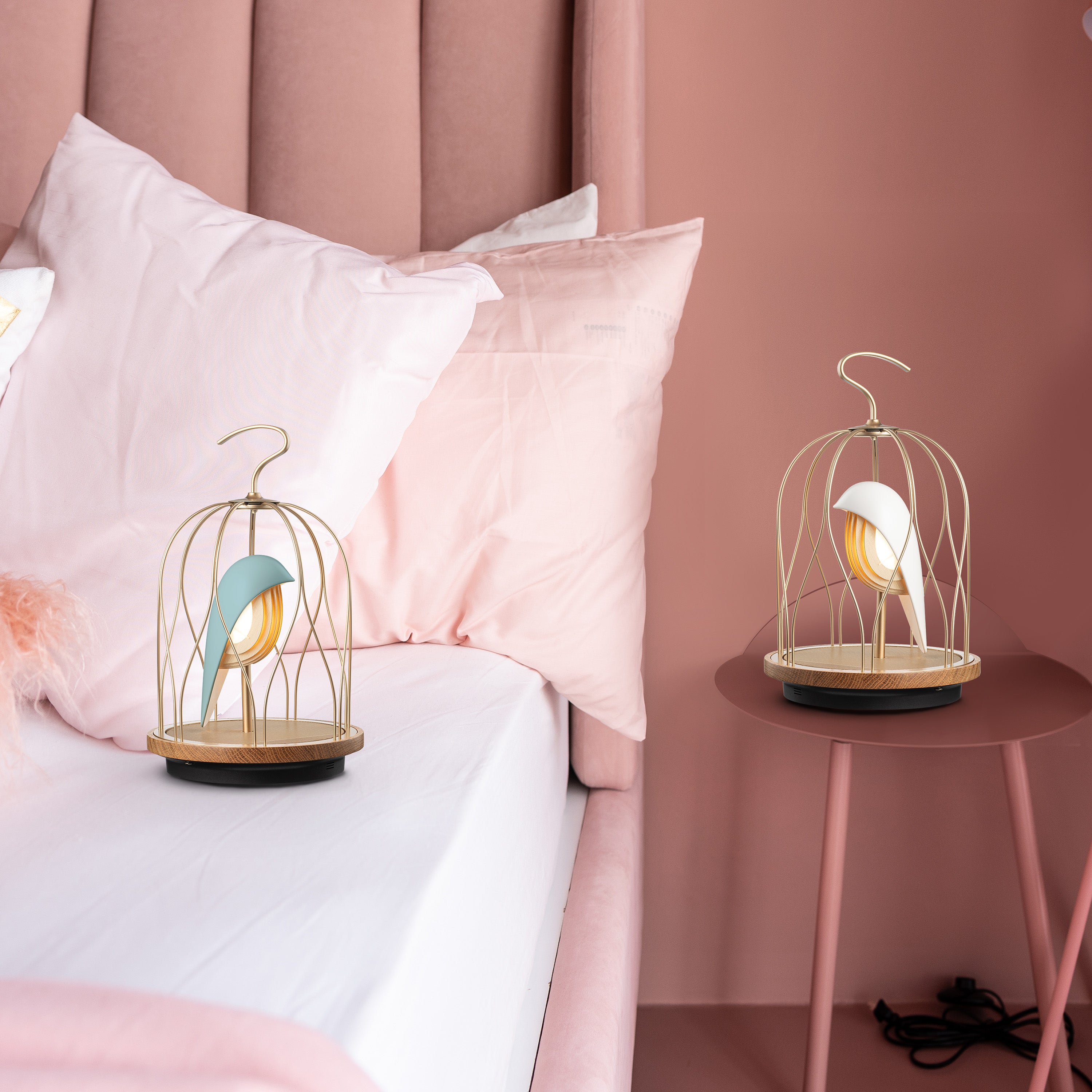
- Single Device Usage Instructions -

  • 1.Powering On

    Toggle the switch to the ON position (the switch is located on the side behind the bird, next to the Type-C charging port).

  • 2.Turning On the Light

    • Short press the ☀︎ symbol button.
    • Long press to adjust the brightness (three levels in total).
    • For other color temperatures and brightness levels, please configure through the APP.
  • 3.Pairing

    • Short press the 🎵 symbol button, and the device will emit a "Ready to pair" voice prompt.
    • Open the Bluetooth menu on your phone, search for and select JG01s_XXXX Audio from the list of Bluetooth devices to pair. (For Android, please ensure the name includes "Audio")
    • Once paired successfully, the device will emit a bird chirping sound.

4.Using the APP

  • Download the JINGOO APP from the App Store or Google Play Store.
  • The following operations can be performed in the JINGOO APP:
  1. Listen to five exclusive natural soundscapes designed by DAQICONCEPT.
  2. Set the device's three color temperatures and seven brightness levels.
  3. If you have multiple JG01S speaker lamps, refer to the multi-device connection instructions in the APP for operation.

- Multi-Device Connection Mode Operation Instructions -

If you have multiple JG01s speaker lights, you can connect these devices to enable Party mode. Please follow the steps below:

  • 1.Power On

    Turn on all devices
    (the switch is located on the side behind the bird, toggle to the ON position).

  • 2.Using the APP

    Download the JINGOO APP from the App Store or Google Play Store.

    Download APP 
  • 3.Connecting Devices

    • Open the APP, and tap the bird icon 𓅪 in the bottom menu to enter the Device main menu.
    • Tap the double ring icon in the upper left corner, select the devices you want to connect, and then press the Group button to complete the connection (⚠️the first device selected will become the lead bird).
    • The connection process takes about 30 seconds, please wait patiently.
  • 4.Control

    • After the connection is complete, return to the bird icon 𓅪 menu, tap the Grouped Devices menu at the top to enter the connection control panel (takes about 15 seconds).
    • In the control panel, you can adjust the three color temperatures and seven brightness levels, and check the device's battery level.
    • Find the lead bird: the bird on the far left of the control panel is the lead bird (tap to emit a bird chirping sound).
    • Tap the back button to exit/disconnect from the control panel screen.
  • 5.Pairing

    • Ensure the JINGOO APP has exited/disconnected from the control panel screen.
    • Short press the 🎵 symbol button on the lead bird, and the device will emit a "Ready to pair" voice prompt.
    • Open the Bluetooth menu on your phone, wait to search and select JG01s_XXXX Audio, and tap to connect and pair. (For Android, please ensure the name includes "Audio")
    • Once paired successfully, the device will emit a bird chirping sound.

6.Disconnecting

  • Powering off will not disconnect the connection.
  • To disconnect, tap the bird icon to enter the Device main menu, and tap Ungroup on the Grouped Devices menu to return to single device mode.

⚠️

First, ensure that the settings on your Android phone allow apps to search and execute.

常見問答

為何我的jingoo 2.0無法充電

  1. 更換充電插座及充電器試試, 
  2. 充半個小時以上, 測試燈是否可以正常開啟
  3. 如果燈可以亮, 表示電池功能正常

我之前連過, 但現在連接不上, 怎麼辦?

  1. 確認電池是有電的狀態, 電量太低會影響連線穩定度
  2. 將手機中記憶的藍牙設備刪除
  3. 重新按一下jingoo上的配對按鈕, 會聽到ready to pair的語音
  4. 手機上看到JG01s_XXX出現, 重新連線

手機中的藍牙設備已經刪除還是連接不上, 怎麼辦?

  1. 將藍牙回復原廠設定:將電源開關重新切換到ON, 藍牙配對鈕長按不放, 直到看到充電橘燈亮起又熄滅後, 手放開, 鳥腹燈光會閃爍幾下, 即完成重置

2. 將手機藍牙設備刪除, 重新配對一次